Learn to save any online video
Plain guides on how video downloading works, which quality and format to pick, what the rules are, and what to do when a download fails. Written by the team behind PasteAndSave.
Start here: the basics in five lessons
About 21 minutes in total
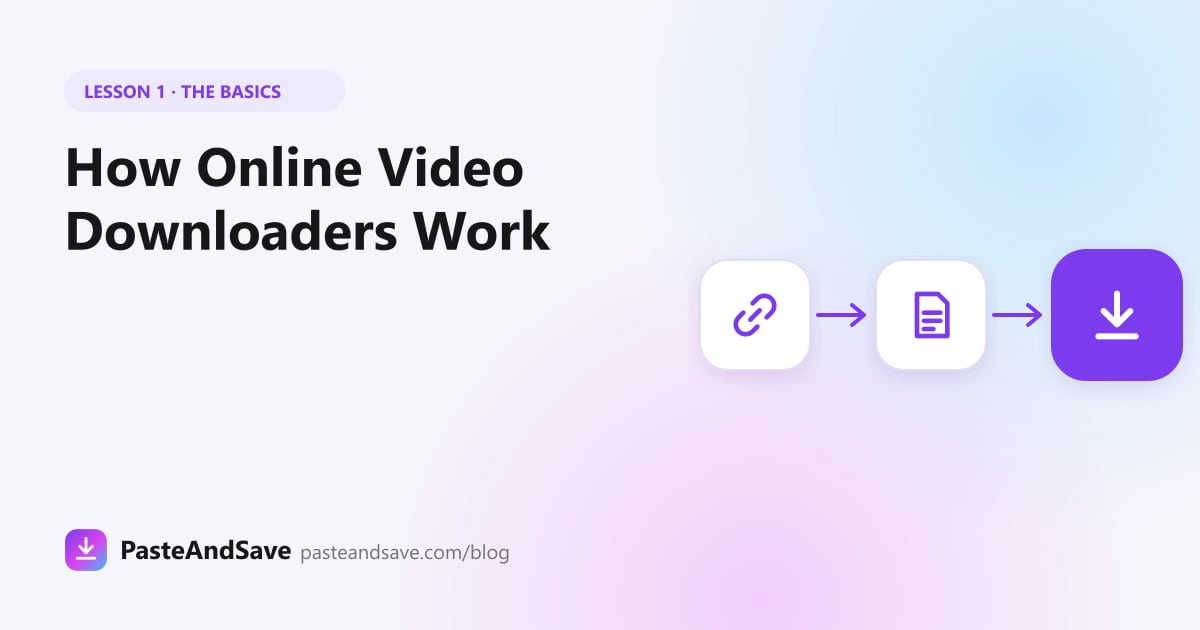 1How Online Video Downloaders Work, Explained SimplyA video link points to a page, not a file. Here is what a downloader does with that page, step by step, and why some videos stay out of reach.4 min read
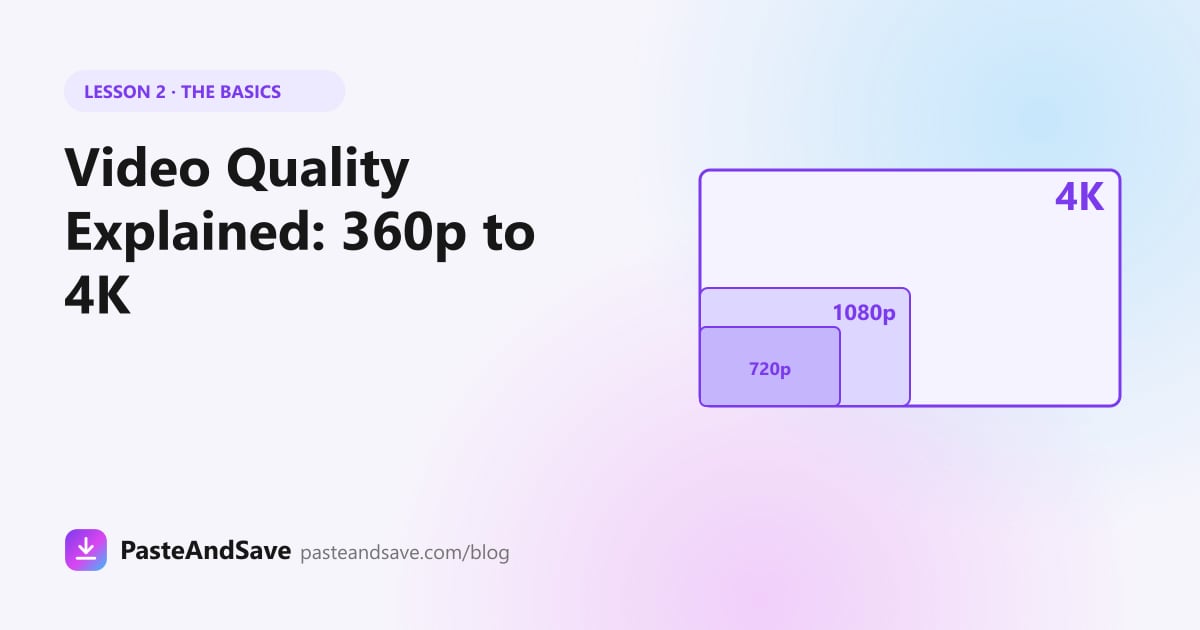 2Video Quality Explained: 360p, 720p, 1080p and 4KThe biggest number is not always the best choice. Learn what each quality means, how big the files get, and which one suits the screen you watch on.4 min read
 3MP4, WebM, MOV or MKV: Which Video Format Should You Use?A video that won't play is rarely broken. It is usually packed in a format your player doesn't open. Here is what each format is and when to use it.4 min read
 4Is It Legal to Download Videos? A Plain Guide to the RulesHaving a file on your phone is not the same as owning it. A plain guide to copyright, permission, Creative Commons and the rules platforms set.4 min read
 5Are Online Video Downloaders Safe? How to Spot a Bad OneA video file can't hurt your phone. A fake installer can. Here is how to tell a good download site from a bad one in thirty seconds.5 min read
How to guides
Step by step instructions for the apps and devices people use most.
 How to Download TikTok Videos Without a WatermarkTikTok's own Save button stamps a moving logo on every video. Here is how to get the clean version on any phone or computer, in under a minute.3 min read
 How to Download Instagram Reels, Stories and PhotosInstagram's bookmark only saves a post inside the app. Here is how to keep Reels, Stories and photos as real files on your phone or computer.3 min read
 How to Download YouTube Videos on Any Phone or ComputerCopy the link, paste it, pick a quality. Here is the full walk through for every device, and why the 1080p version takes a few seconds longer than 720p.4 min read
 How to Download Videos From a YouTube PlaylistA playlist link opens as a list you can pick from. The trick is copying the playlist's own link, not the link of the video playing inside it.3 min read
 How to Download Facebook Videos and Reels in HDFacebook has no Save to phone button for most videos. Here is how to keep a public video or Reel as a normal MP4, and why private ones stay private.4 min read
 How to Download Videos, GIFs and Photos From X (Twitter)Every video, GIF and photo on X is one copied link away from your camera roll. Here is how, and why a few posts refuse.3 min read
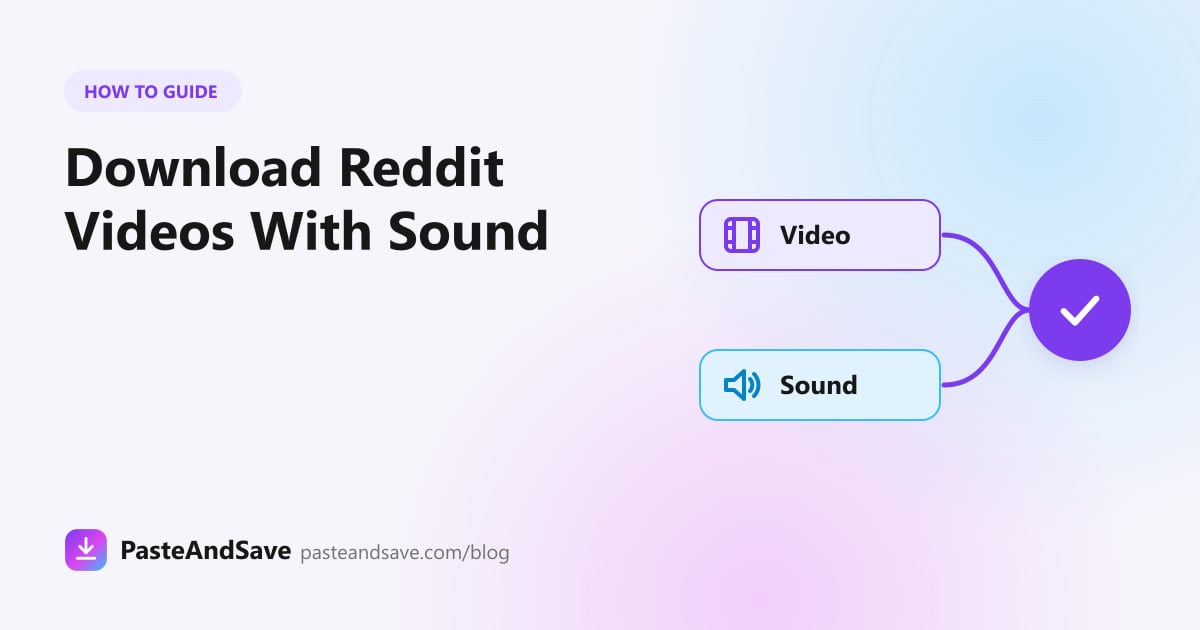 How to Download Reddit Videos With SoundSaved a Reddit video and got silence? Reddit stores the sound in a separate file. Here is how to get both in one MP4.3 min read
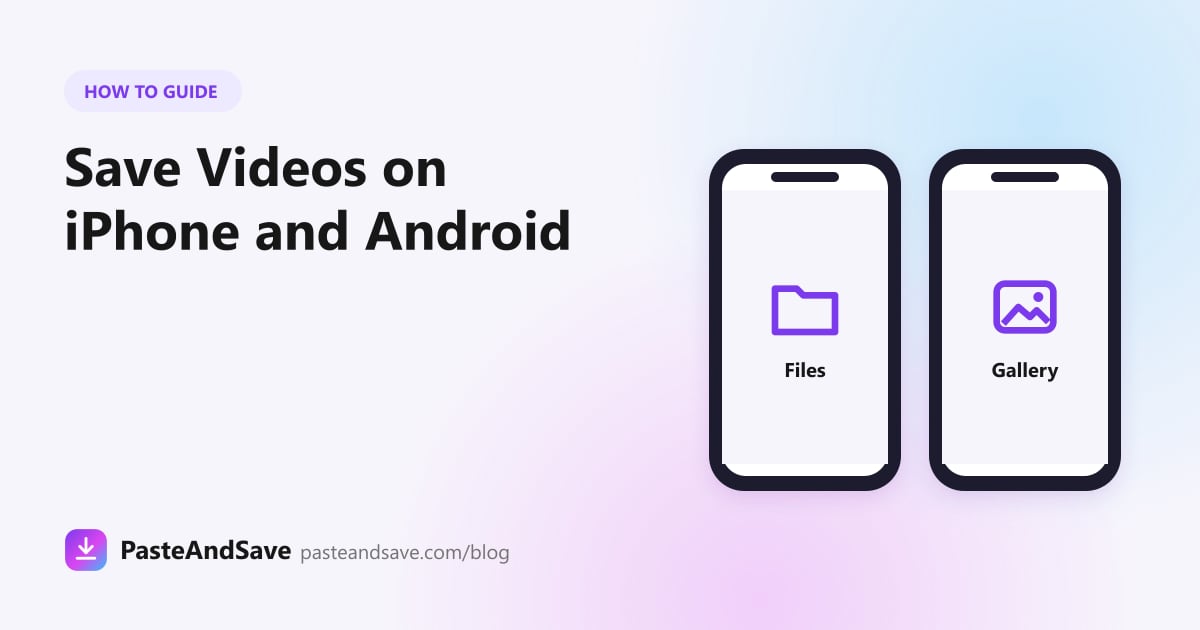 How to Save Online Videos to Your iPhone or Android PhoneThe download worked, but where did the video go? Where files land on iPhone and Android, how to get them into your gallery, and what to do when one won't play.3 min read
 How to Convert a Video to MP3, and Which Bitrate to ChooseGetting the MP3 is the easy part. Picking the bitrate is where most people waste space. Here is how to do both, and when M4A is the better choice.3 min read
Fix a problem
What download errors mean and what you can do about them.
Have a link already?
Paste it into the downloader and pick a quality. Free, with nothing to install.
Open the downloader