On this page
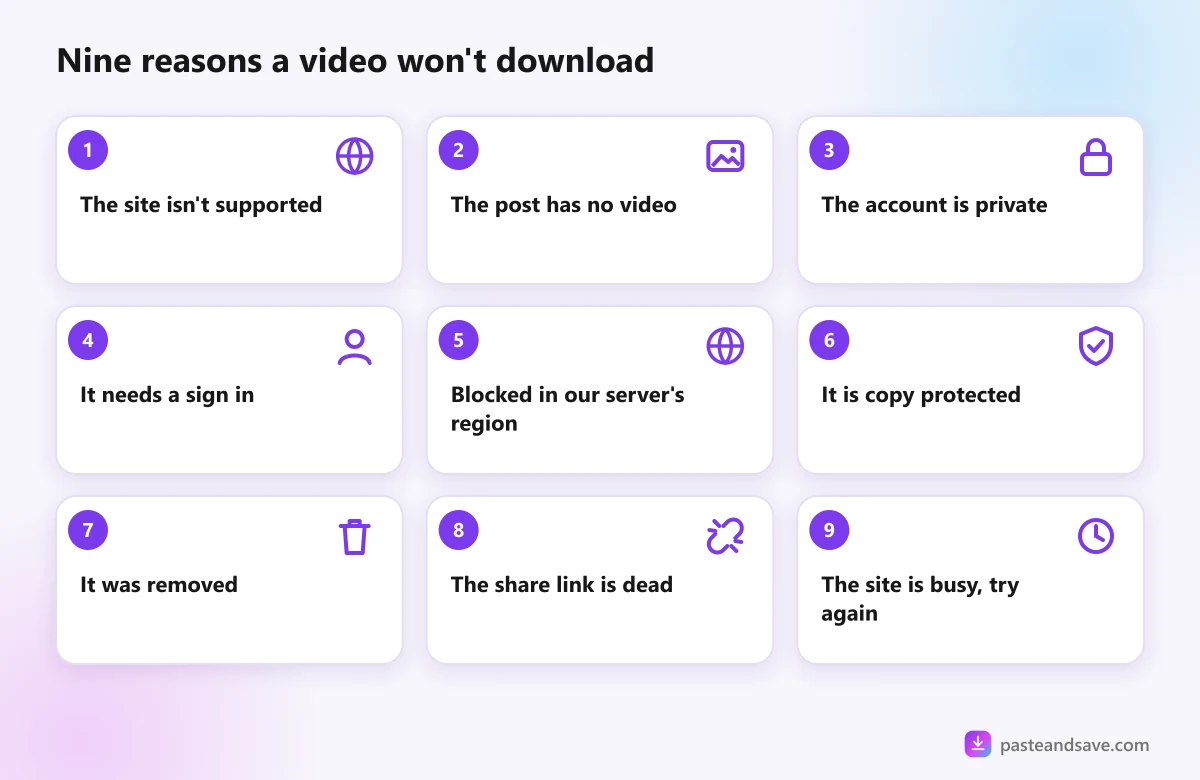
- 1. "That link isn't from a site we can download from"
- 2. "No video found at that link"
- 3. "This one is private"
- 4. "This needs a sign in to watch"
- 5. "This video is blocked in our server's region"
- 6. "This video is copy protected"
- 7. "This video was removed or is no longer available"
- 8. "That share link doesn't lead to a video any more"
- 9. "This site is turning our server away right now" or "That took too long"
- Still stuck?
Over one recent four week stretch, people pasted 3,699 links into PasteAndSave, and about half of them came straight back with a list of qualities. The other half failed, and most of those failures came down to one of nine reasons. They repeat every single day.
Find the message you saw below. Each one says what it means and what you can do.
1. "That link isn't from a site we can download from"
What it means: the downloader doesn't know how to read that website. This is the most common failure on PasteAndSave by a wide margin, and it usually isn't the visitor's fault.
Try this:
- Check you copied the link to the video, not to a profile, a search page or a home page.
- If the video is embedded on a news or blog page, paste the address of that page. PasteAndSave looks for a player inside it.
- Paste the link from the original site, such as YouTube or Vimeo, rather than from a site that copied it.
2. "No video found at that link"
What it means: the post has no video in it. It is a photo, a text post, or a story that has already expired.
Try this: if it is a photo post, look for the photo in the results list, since many photo posts can be saved as images. If you expected a video, open the link in your browser to check it still plays.
3. "This one is private"
What it means: the account is private, or the post is shared with friends or followers only.
Try this: nothing on our side can reach it, and nothing should. Ask the person who posted it to send you the video directly.
4. "This needs a sign in to watch"
What it means: the site won't show the video to anyone who isn't logged in. Age restricted videos, some Facebook posts and some Instagram posts work this way.
Try this: if it is your own video, download it from your account settings, where most platforms offer a copy of your data. PasteAndSave never asks for your password, and no download site should.
5. "This video is blocked in our server's region"
What it means: some sites hide videos from visitors in certain countries, and our server sits in one of them. A few sites also ask visitors from that country to prove their age before showing anything.
Try this: there is no fix on your side. The video is not broken. It is just not shown to our server.
6. "This video is copy protected"
What it means: the video is locked with encryption, known as DRM. Netflix, Disney+, Prime Video, Spotify and Apple Music all work this way, and so do some videos on Vimeo.
Try this: use the offline download button inside the service's own app. Breaking copy protection is against the law in many countries, so no honest downloader will do it.
7. "This video was removed or is no longer available"
What it means: the creator deleted it, the platform took it down, or the account was suspended. The link still exists, but the video behind it is gone.
Try this: search for the video again. Sometimes it was uploaded a second time under a new link.
8. "That share link doesn't lead to a video any more"
What it means: short share links, like pin.it or some Facebook share links, are redirects. When the post behind them is deleted, the short link leads nowhere.
Try this: open the short link in your browser. If the video plays, copy the full address from the address bar and paste that instead.
9. "This site is turning our server away right now" or "That took too long"
What it means: the site is busy, or it is limiting how often our server can ask. Very long videos can also take longer than usual to prepare.
Try this: wait a minute and try again. These clear up on their own. For long videos, keep the page open until the progress bar finishes.
Still stuck?
A quick test settles most cases: open the link in a private browser window on your phone or computer, without logging in. If the video plays there, it can almost always be downloaded. If it doesn't, the downloader sees the same wall you do.
For the bigger picture of what a downloader can and can't reach, read How Online Video Downloaders Work. Then paste your link into the downloader and try again.
Ready to try it?
Free, no sign up, works on any phone or computer.
Advertisement
Questions people ask
Why does it say the video is private when I can watch it?+
You can watch it because you are logged in, and the account lets you see it. A downloader sees the page as a visitor who is not logged in, and to that visitor the video is hidden. Only public videos can be downloaded.
Can I download videos from Netflix or Spotify?+
No. Netflix, Disney+, Prime Video, Spotify and similar paid services lock their content with copy protection. Honest downloaders don't break it, and doing so is illegal in many countries. Use the offline download feature in their own apps instead.
Why does a link work on my phone but not in the downloader?+
Usually because your phone is logged in to the app, or because the link is a short share link that only opens inside the app. Open the link in a private browser window to see what a logged out visitor sees, and copy the address from there.
What should I do if a downloaded video has no sound?+
Try a different quality from the list, or the MP4 version if there is one. Some players can't read the sound in certain formats. Opening the file in the free VLC player is a quick way to check whether the sound is really missing.