On this page
A video that won't play is almost never broken. Nine times out of ten it is packed in a format your player doesn't open. Learn two words, container and codec, and you can fix it yourself in a minute.
A container is the box, a codec is what's inside
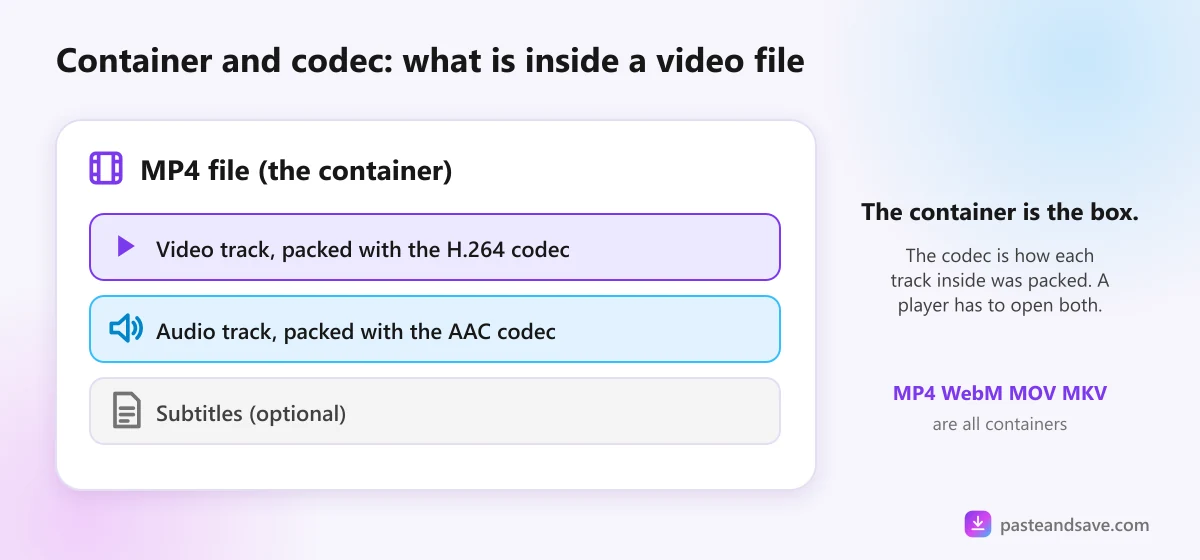
Think of a video file as a lunch box.
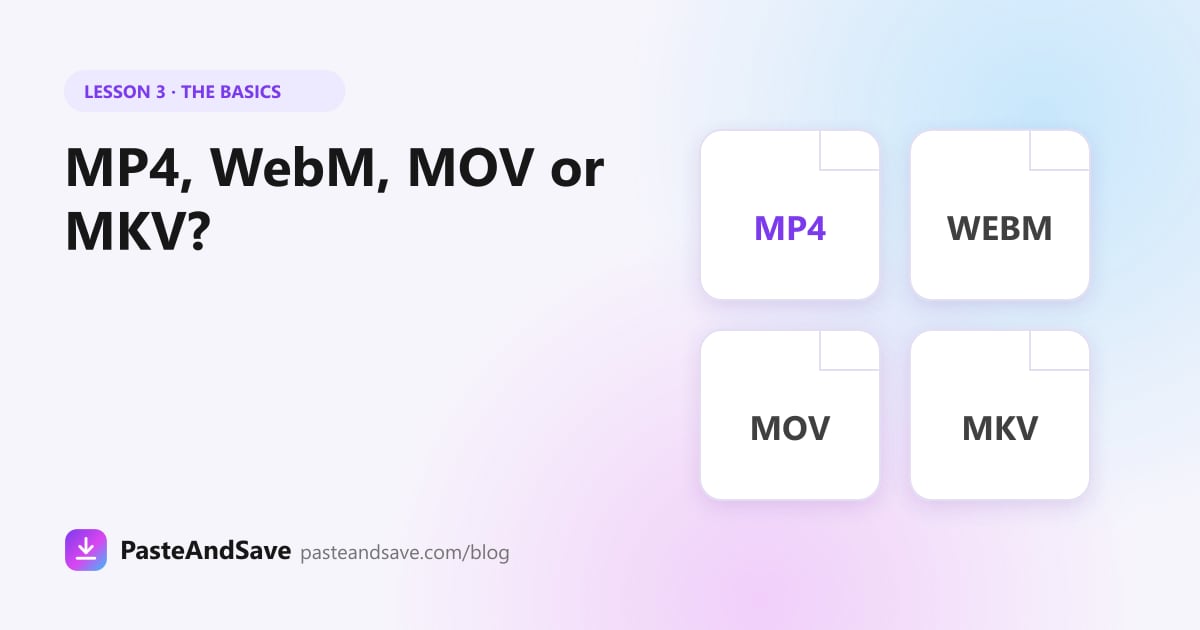
- The container is the box. MP4, WebM, MOV and MKV are containers. The box holds a video track, one or more audio tracks and sometimes subtitles.
- The codec is how the food inside was packed. H.264, H.265, VP9 and AV1 are video codecs. AAC, Opus and MP3 are audio codecs.
A player needs to open both: the box and the packing. That is why two files that both end in .mp4 can behave differently. One holds H.264, which everything plays, and the other holds AV1, which older devices can't decode.
The four video formats you will meet
| Format | Usually holds | Plays well on | Good for |
|---|---|---|---|
| MP4 | H.264 or H.265 video, AAC audio | Almost everything | Phones, sharing, everyday use |
| WebM | VP9 or AV1 video, Opus audio | Browsers, Android, computers | YouTube's sharpest versions |
| MOV | H.264, H.265 or ProRes | Apple devices, editing apps | iPhone recordings, editing |
| MKV | Nearly any codec | VLC, Plex, many smart TVs | Films with many audio or subtitle tracks |
MP4
The safe choice. If you don't know what to pick, pick MP4. When a site offers the same quality as both MP4 and WebM, PasteAndSave gives you the MP4 copy for exactly that reason.
WebM
The format Google uses for much of YouTube. It often carries the highest qualities, such as 1440p and 4K, in a smaller file. It plays fine in browsers and on Android. The iPhone Photos app and some older TVs are less happy with it.
MOV
Apple's own format, and what an iPhone records. It plays on every Apple device and opens in every editing app. Outside Apple, use MP4 instead, since the same video in MP4 is far more widely supported.
MKV
A very flexible box that can hold almost anything, which is why films with several languages and subtitles often come as MKV. Most phones' built in players won't open it. VLC will.
Video codecs in plain words
- H.264: the oldest of the four and the most widely supported. Every phone, browser and TV made in the last ten years plays it.
- H.265, also called HEVC: about half the size of H.264 for the same look. iPhones record in it. Some Windows computers need an extra add on to play it.
- VP9: Google's codec, used across YouTube.
- AV1: the newest and most efficient, used more and more by YouTube and Netflix. Older phones and laptops may struggle to play it smoothly.
Audio formats: MP3, M4A and Opus
- MP3 plays on every device ever made. Pick it when you need the sound to work everywhere, including car stereos.
- M4A holds AAC audio, which sounds better than MP3 at the same size. Apple devices love it.
- Opus is the most efficient of all and is what YouTube streams. It hides inside WebM files, and you rarely meet it on its own.
On PasteAndSave, the M4A option keeps the original audio without converting it where the source allows, so nothing is lost. MP3 is converted at the bitrate you choose. The video to MP3 guide explains which bitrate to pick.
Which format should you download?
- For a phone or for sharing: MP4.
- For the sharpest YouTube copy on a computer: the highest quality on offer, even if it is WebM.
- For editing: the highest quality on offer, in any format. Your editor will open it.
- For music or a podcast: MP3 if it must play everywhere, M4A if you want the best sound for the size.
A file won't play? Try these, in order
- Install VLC. It is free on every phone and computer and plays nearly every format above.
- Check the ending of the file name. If it is not a video or audio format, such as .exe or .zip, delete it. That is not a video.
- Convert it with HandBrake. This free program turns any of these formats into a plain MP4 with H.264 that plays everywhere.
- Download again as MP4. If the source offers an MP4 version, that is the quickest fix of all.
Next lesson
You know how to pick a quality and a format. Lesson 4, Is It Legal to Download Videos?, covers what you are allowed to do with the file once you have it.
Ready to try it?
Free, no sign up, works on any phone or computer.
Advertisement
Questions people ask
Is MP4 better than WebM?+
Neither is better in every case. MP4 plays on almost every phone, computer and TV, so it is the safe choice. WebM often holds YouTube's sharpest versions in a smaller file, but some older devices and the iPhone Photos app handle it less well.
Why won't my MKV file play on iPhone?+
The iPhone's built in apps don't open MKV files. Install a free player such as VLC, or convert the file to MP4 with a free tool like HandBrake, and it will play.
What is the difference between MP4 and MP3?+
MP4 is a video format that holds a picture and sound. MP3 is an audio format that holds sound only. Choose MP3 when you only want to listen, for example to music or a podcast.
Does converting a video to another format lose quality?+
Changing only the container, for example MOV to MP4 with the same codec inside, loses nothing. Converting to a different codec compresses the video again, which loses a little quality each time, so do it once and keep the original.