On this page
A video playing on your screen is already being downloaded. Your phone fetches it a few seconds at a time, plays each piece and then throws it away. A video downloader does the same fetching, but keeps everything and hands you one complete file.
That is the whole trick. The rest of this lesson explains how it works, so the quality list, the errors and the odd failure all make sense.
A video link points to a page, not a file
When you tap Share and Copy link in TikTok, Instagram or YouTube, you get the address of a page. That page holds a video player, a caption, comments and a lot of code. The actual video sits somewhere else, usually on a fast storage network the platform runs, and the player asks for it in the background.
A few details surprise most people:
- There is rarely just one file. Platforms store the same video in several sizes, from tiny 144p versions for slow connections up to 1080p or 4K.
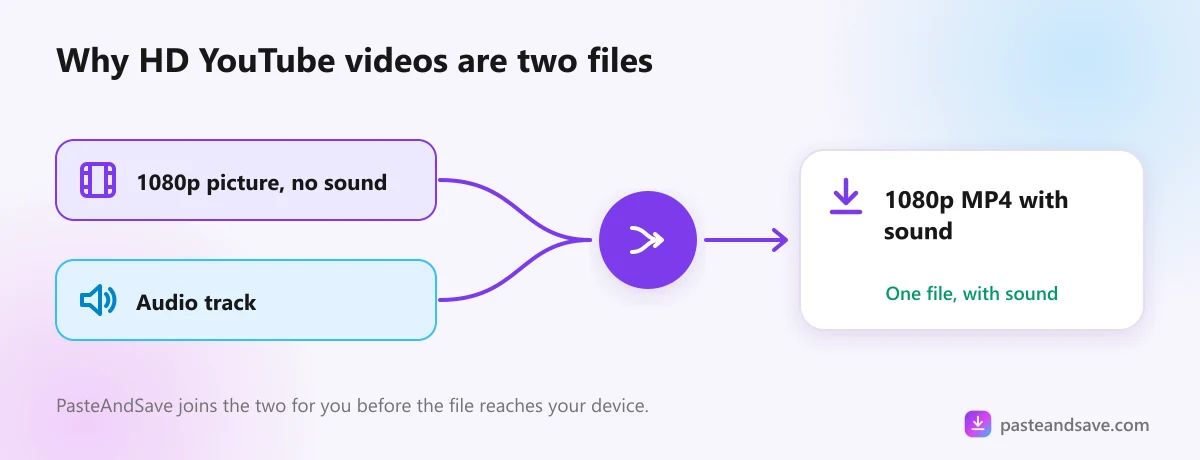
- Sound and picture are often separate. YouTube keeps its higher qualities as a video track with no sound and a separate audio track. The player joins them while you watch.
- The file addresses change. Many expire after a few hours, which is why you can't just copy the file address and keep it for later.
- Some files are locked. Paid streaming services encrypt their videos so only their own player can show them.
What happens after you press Download
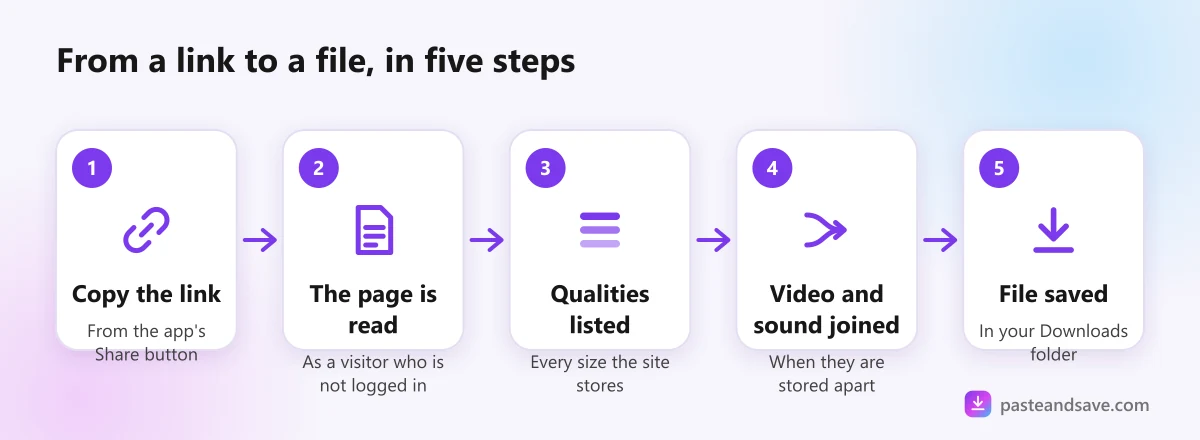
Here is what PasteAndSave does with a link, and most good downloaders work the same way:
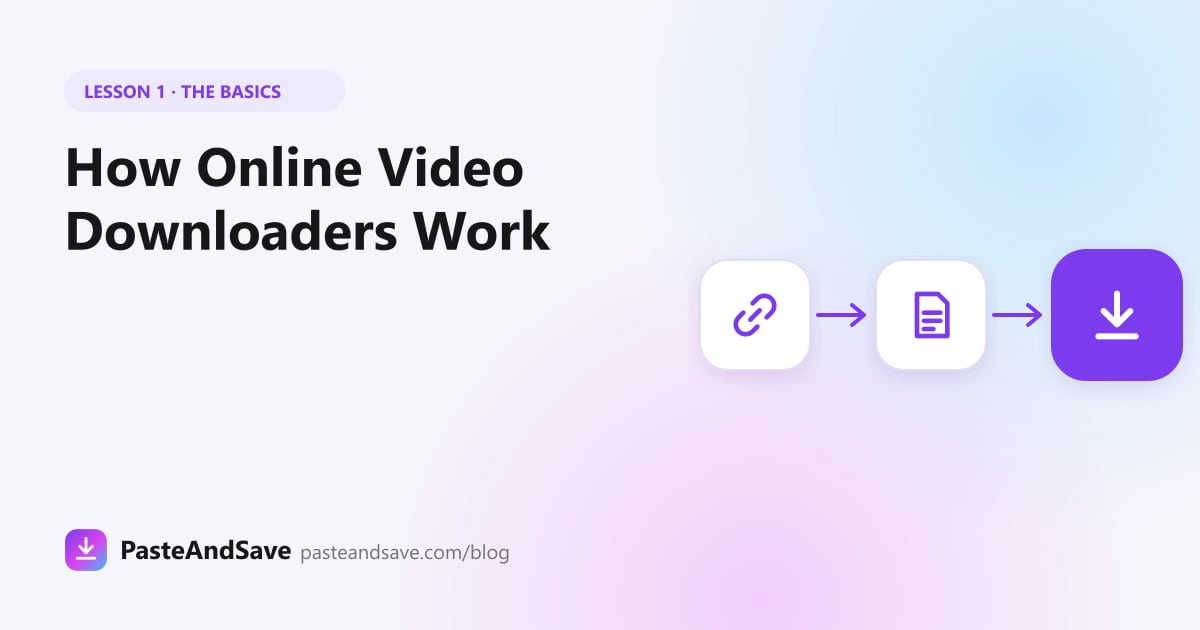
- Our server opens the page the way a browser would if nobody were logged in.
- It reads the list of files the player would choose from: every size, every format, the audio tracks.
- You see that list as qualities to pick from, such as 1080p, 720p or MP3.
- When you choose one, the server fetches that file. If the picture and sound are separate, it joins them into one MP4.
- The finished file is sent to your browser and lands in your normal downloads folder.
The reading part is done by yt-dlp, a free, open source program that understands the pages of more than a thousand websites. It is the reason one box can take a TikTok link, a Reddit link or a Vimeo link without you choosing a site first.
Why YouTube HD takes a little longer
If you pick a high quality YouTube video, the server has to fetch two files and stitch them together before anything reaches you. That is the progress bar you see. A 720p file with sound already inside skips that step, so it usually starts faster.
Why some videos can't be downloaded
A downloader can only take what a logged out visitor could watch. In our own logs, the failures fall into a handful of groups that repeat every week:
- The site isn't one the downloader can read. This is the most common reason by far on PasteAndSave.
- The post has no video. It is a photo, a story that expired, or text.
- It needs a sign in. Private accounts, followers only posts and some age restricted videos.
- It is blocked by region. Some sites hide videos from visitors in certain countries, and that includes the country our server is in.
- It is copy protected. Netflix, Disney+, Prime Video and Spotify use encryption on purpose, and getting around it is illegal in many countries.
- It was deleted. The link still opens, but the video behind it is gone.
The lesson Why a Video Won't Download goes through each one with the exact message you will see and what to try next.
How to tell a safe downloader from a bad one
You can judge any download site, including ours, with a few quick checks:
- It never asks for your Instagram, TikTok or YouTube password.
- It does not make you install a "player", "codec" or app to get one video.
- The file you get ends in .mp4, .webm, .mp3 or .m4a, never .exe, .apk or .zip.
- Ads, if it has them, stay in their boxes and don't open new tabs every time you click.
- It tells you plainly what it keeps about you. Ours is in the privacy policy.
Nobody has to trust a downloader blindly. The checks above take thirty seconds and catch nearly every bad one. Lesson 5, Are Online Video Downloaders Safe?, goes through them in more detail.
Where to go next
You now know what a downloader actually does. The next four lessons make you good at using one:
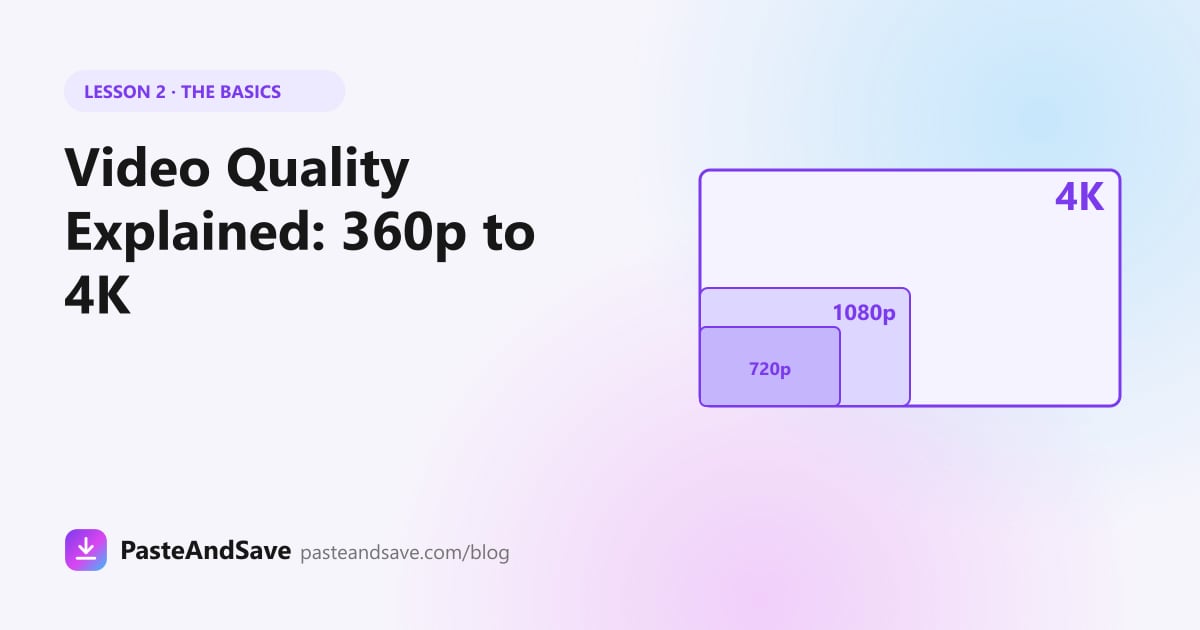
- Video Quality Explained covers what 720p, 1080p and 4K mean and how much space each takes.
- MP4, WebM, MOV or MKV explains which format plays where.
- Is It Legal to Download Videos? sets out the rules, in plain words.
- Are Online Video Downloaders Safe? shows how to spot a bad site before it costs you anything.
Or skip the theory and paste a link into the downloader to see the quality list for yourself.
Ready to try it?
Free, no sign up, works on any phone or computer.
Advertisement
Questions people ask
Do I need to install anything to download a video?+
No. An online downloader runs on a server and sends the finished file to your browser, so it works the same on a phone, a tablet or a computer. You only need a browser and the link to the video.
Why does a downloader need the full link?+
The link tells the downloader which page to open. If part of it is missing, or it is a short link that no longer leads anywhere, there is no page to read and nothing to download. Copy the link from the app's Share button or from the address bar.
Can a video downloader get videos from private accounts?+
Not an honest one. A downloader sees the same page a visitor sees without logging in, so anything that needs a sign in or a follow stays out of reach. A tool that asks for your password to get around this is a risk to your account.
What is yt-dlp?+
It is a free, open source program that knows how to read video pages on more than a thousand websites. PasteAndSave runs it on our server so you get its reach without installing anything.