On this page
The biggest number is not always the best choice. A 4K video on a phone can take four times the space of 1080p and look almost the same, because the screen can't show the extra detail.
Once you know what the numbers mean, picking a quality takes two seconds instead of a guess.
What the "p" number means
The number is the height of the picture in pixels, the tiny dots that make up an image. The "p" stands for progressive, a way of drawing each frame in one pass. You can ignore that part.
| Quality | Size in pixels | Common name |
|---|---|---|
| 144p | 256 x 144 | Tiny, for very slow connections |
| 240p | 426 x 240 | Low |
| 360p | 640 x 360 | Standard on small screens |
| 480p | 854 x 480 | SD, like an old DVD |
| 720p | 1280 x 720 | HD |
| 1080p | 1920 x 1080 | Full HD |
| 1440p | 2560 x 1440 | QHD, sometimes called 2K |
| 2160p | 3840 x 2160 | 4K, or Ultra HD |
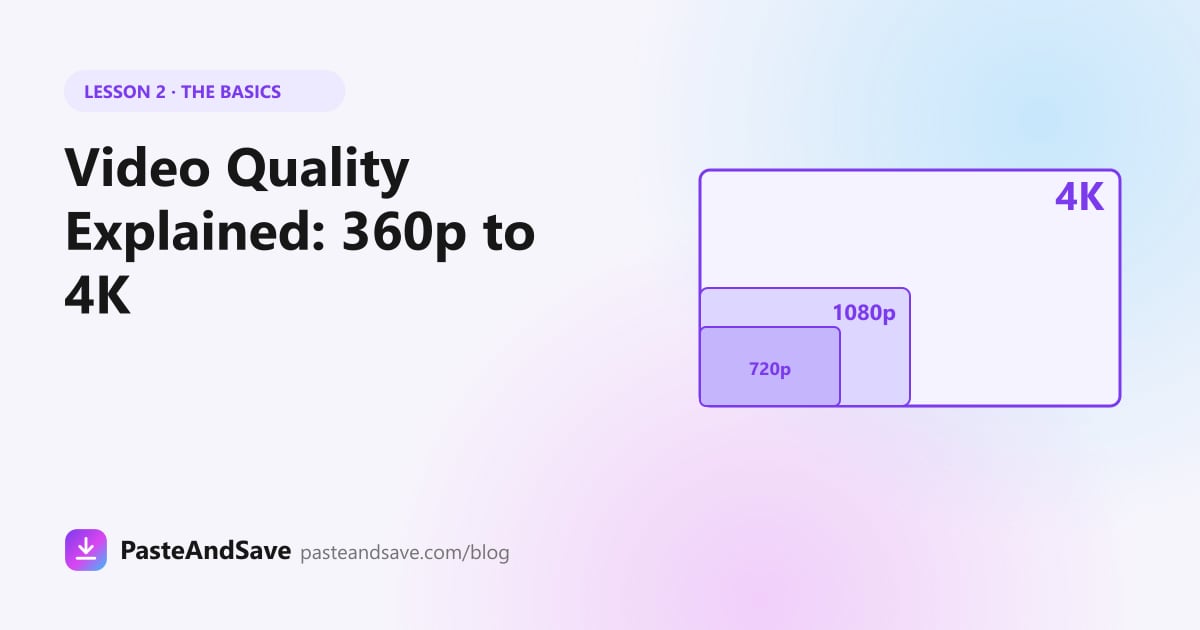
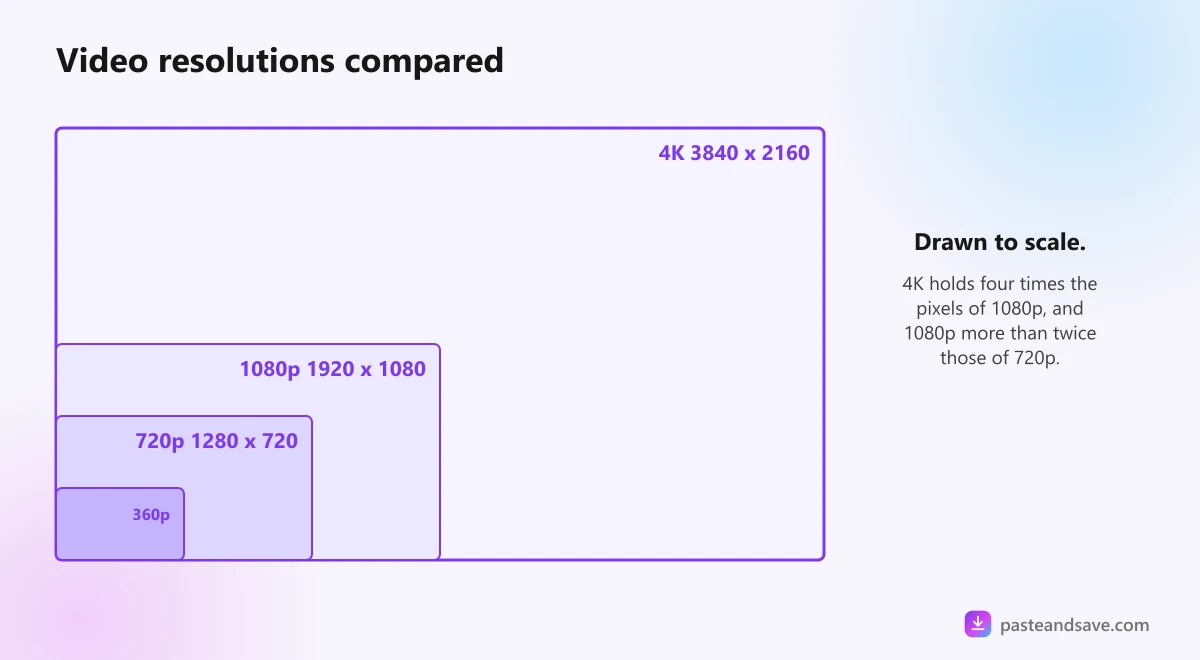
Each step up holds more detail. 1080p has more than twice the pixels of 720p, and 4K has four times the pixels of 1080p.
What about vertical videos?
TikToks, Reels and Shorts are tall, often 1080 pixels wide and 1920 tall. PasteAndSave names them by the short side, so that clip shows up as 1080p. Otherwise you would see labels like 1920p that match nothing you know.
Resolution is only half of the picture
Two 1080p files can look very different. The other half is bitrate, the amount of data spent on each second of video. A video squeezed hard to save space shows blocks and smears in dark scenes and fast movement, even at a high resolution.
The newer the compression method, the less data it needs for the same look. YouTube uses VP9 and AV1 for many of its videos, which keep detail at sizes the older H.264 can't match. The lesson on video formats explains those names.
What this means for you: when a source offers the same quality twice, the larger file is usually the better looking one.
How much space each quality takes
These are rough sizes for a typical online video, per minute of footage:
- 360p: about 4 to 5 MB
- 480p: about 6 to 10 MB
- 720p: about 10 to 20 MB
- 1080p: about 20 to 40 MB
- 1440p: about 40 to 70 MB
- 4K: about 80 to 150 MB
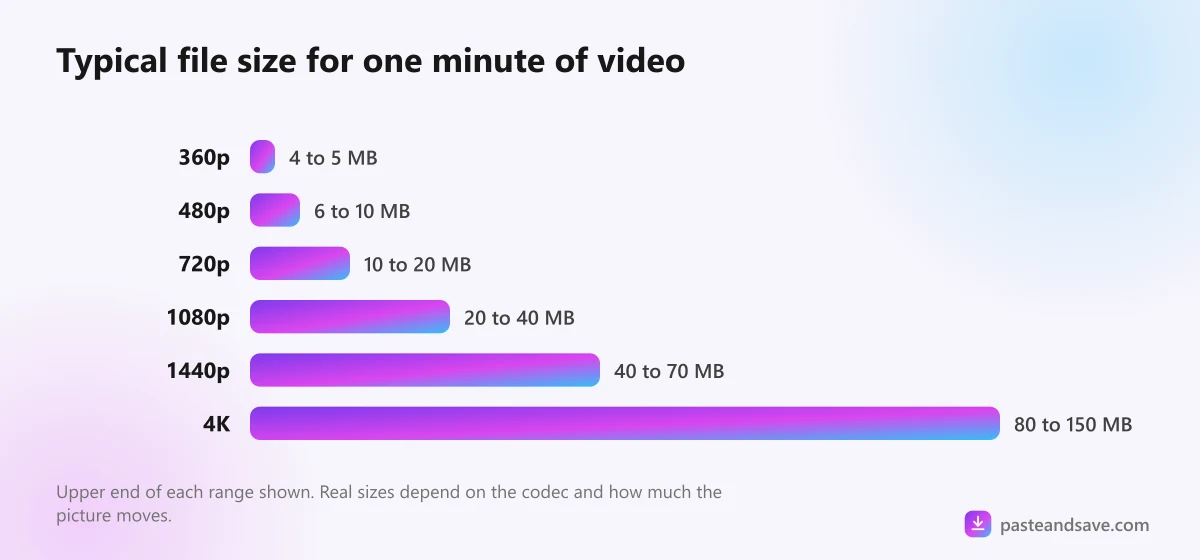
So a ten minute 1080p video lands somewhere between 200 and 400 MB. The same video in 4K can pass a gigabyte. On a phone with little space left, that difference matters a lot more than detail you can't see.
Which quality should you pick?
When you paste a link into PasteAndSave, every quality the site stores shows up as a row with its own Save button.
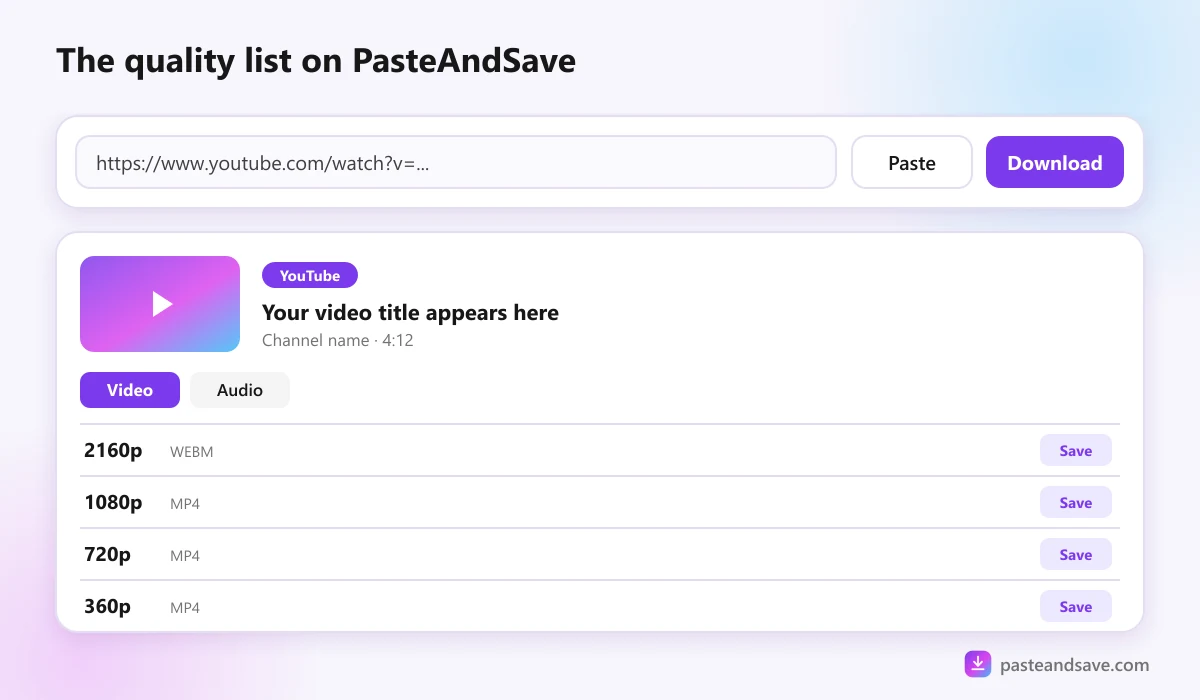
Match the quality to where you will watch it:
- Phone only: 720p. It looks sharp on any phone screen and saves space.
- Laptop or tablet: 1080p.
- Big TV: 1080p, or 4K if the video was uploaded in 4K.
- Editing a project: the highest quality on offer. Cutting and zooming wastes detail, so start with all of it.
- Sending over WhatsApp or other chat apps: 480p or 720p. Most chat apps compress video again anyway, so a 4K file arrives looking like 720p.
- Saving mobile data: 360p or 480p, then download the better copy later on WiFi if you need it.
- Just the sound: skip video entirely and take the MP3. The video to MP3 guide covers bitrates.
You can't get more quality than the upload
A video uploaded at 720p stays 720p. A tool can stretch it to 1080p, but stretching adds no detail, only a bigger file. This is why the quality list sometimes stops at 720p: that is everything the platform has.
The usual ceilings:
- TikTok: most videos top out at 1080p, and many at 720p.
- Instagram Reels: up to 1080p.
- X (Twitter): up to 1080p for most clips.
- YouTube: up to 4K, sometimes 8K, if the creator uploaded it.
Why some qualities say "no audio"
YouTube stores its sharpest versions as picture only, with the sound kept in a separate file. When you pick one of those on PasteAndSave, our server adds the best audio track before sending it, so the saved MP4 has sound. You don't need to do anything.
Next lesson
Now that the numbers make sense, lesson 3, MP4, WebM, MOV or MKV, explains why one file plays everywhere and another won't open at all.
Ready to try it?
Free, no sign up, works on any phone or computer.
Advertisement
Questions people ask
Is 1080p the same as Full HD?+
Yes. 1080p and Full HD both mean a picture 1920 pixels wide and 1080 pixels tall. 720p is usually called HD, and 4K, also called Ultra HD, is 3840 by 2160 pixels.
Is 720p good enough for a phone?+
For most phones, yes. On a screen around six inches, the difference between 720p and 1080p is hard to see, and the 720p file is roughly half the size. Choose 1080p if you will also watch it on a laptop or TV.
Why does my downloaded video look blurry?+
Either the original was uploaded at a low quality, or a small quality was chosen. A downloader cannot add detail that was never in the upload. Check the quality list and pick the highest one the video offers.
Does 60fps matter?+
Frames per second affect how smooth motion looks, not how sharp the picture is. 60fps helps with sport and gaming clips. For talking, music and most social videos, 30fps looks the same and takes less space.